Featured Webinars
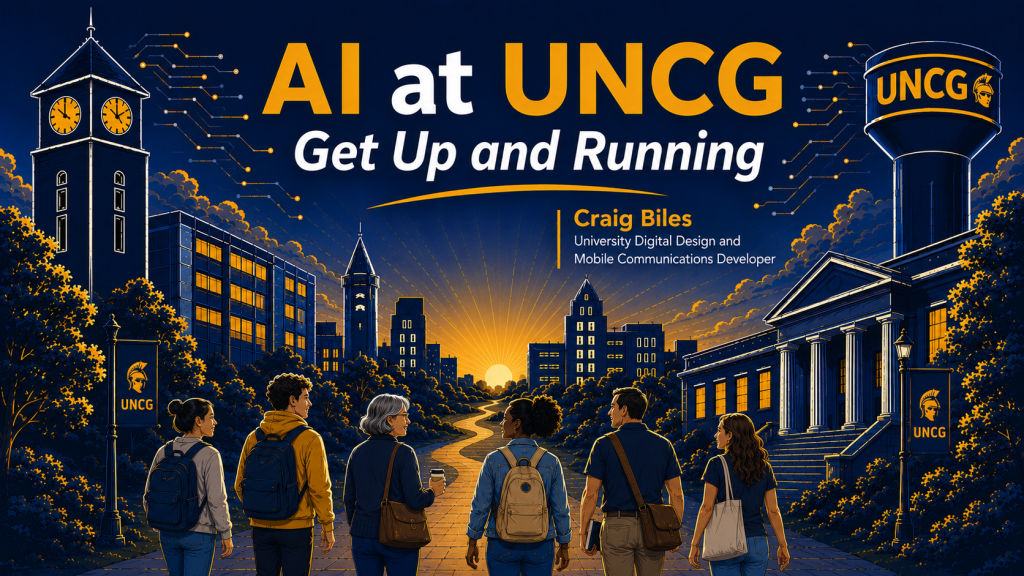
New! AI at UNCG: Get Up and Running
Recommended for faculty and staff using or interested in AI, this session will provide an overview of the AI landscape at UNCG, including Microsoft Copilot, ChatGPT, and others, along with guidance on security, data protection, and responsible use.

Copy Smart, Stress Less: Canvas Course Import Best Practices

Copying (or importing) old Canvas courses is a very common practice – and can come with some frustrating pitfalls. Following a few simple best practices during course import will help you avoid these common errors, save you time during the course set up process, and reduce emails from students with access issues at the start of the term.
Meet Microsoft Education: Teams Meetings in Canvas

The Microsoft Education tool contains multiple apps, and today we will focus on the Teams Meetings. We’ll discuss how you can use it to manage class scheduling and meeting recordings within your Canvas shell.
AUGUST CALENDAR
- Aug 3 – Cloud Storage: OneDrive, Teams, SharePoint
- Aug 4 – Copy Smart, Stress Less: Canvas Course Import Best Practices
- Aug 6 –Instructional Videos with Clipchamp
- Aug 6 – What’s New in Canvas
- Aug 10 – Teams: Host Engaging Meetings
- Aug 10 – Canvas Support Drop Ins
- Aug 11 – Bookings for Office Hours
- Aug 12 – Copy Smart, Stress Less: Canvas Course Import Best Practices
- Aug 12 – Instructional Videos with Clipchamp
- Aug 13 – Meet Microsoft Education: Teams Meetings in Canvas
- Aug 14 – Canvas Assignments: Create, Configure, and Grade
- Aug 14 – AI at UNCG – Get Up and Running
- Aug 17 – Getting Started with AI Tools
- Aug 17 – Virtual Canvas Support Drop Ins
- Aug 18 – AI at UNCG – Get Up and Running
- Aug 18 – AI in Everyday Workflows
- Aug 20 – M365: Accessibility Solutions
- Aug 26 – AI and Data Privacy Basics
- Aug 27 – Copilot: Adding File-Based Context
- Aug 28 – AI at UNCG – Get Up and Running
- Sept 1 – AI at UNCG – Get Up and Running
- Sept 11 – AI at UNCG – Get Up and Running
LINKEDIN LEARNING RECOMMENDATIONS
Build with AI: Creating AI Agents with GPT‑5
Learn how to build intelligent AI agents using GPT‑5. In this hands-on course, you’ll explore GPT‑5’s advanced capabilities, reasoning, tool calling, and steerability, to create agents that can take action, follow multi-step workflows, and complete real-world tasks.
AI-Powered Presentations: Crafting Compelling PowerPoints with ChatGPT and Copilot
Discover how to use generative AI tools like ChatGPT and Microsoft Copilot to create high-impact presentations quickly. Presentation designer Camille Holden guides you through everything you need to know, from researching and generating compelling slide content to exporting AI-generated output into PowerPoint and more. Learn how to use generative AI tools to create a solid outline for your presentation.
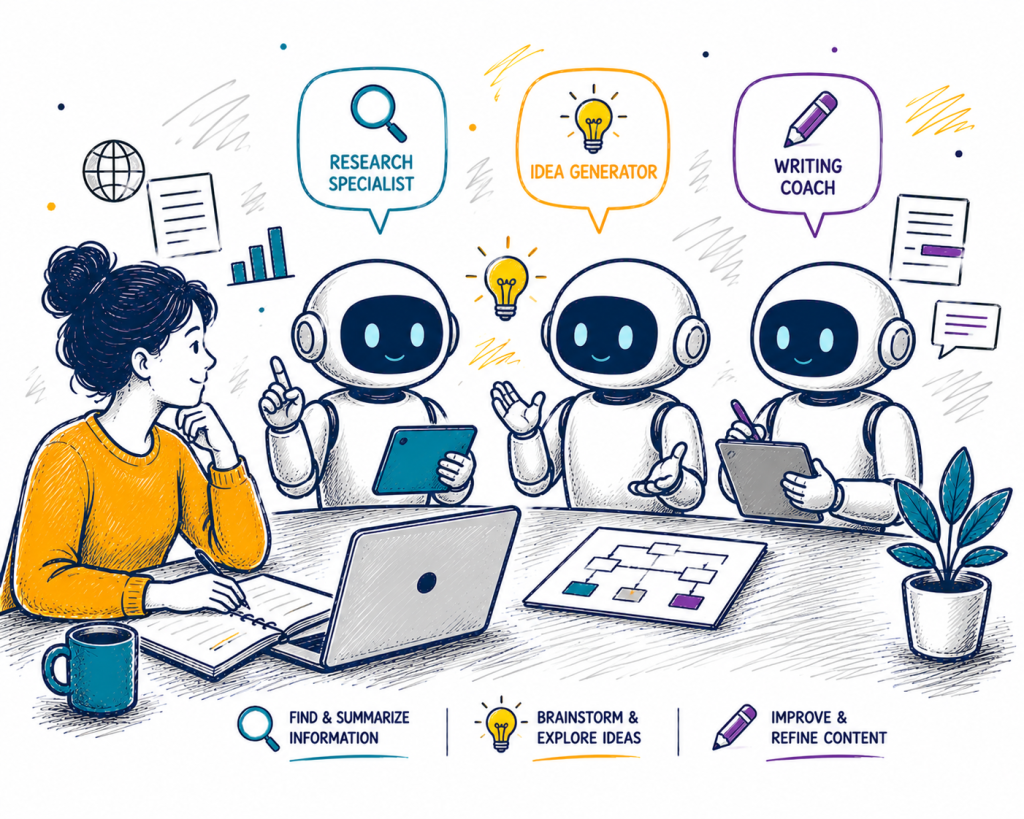
From Tool to Teammates: Working Smarter with AI
Start working smarter by leveraging the power of AI in your everyday workflows. In this course, join instructor Brice Challamel, the head of AI Strategy and Adoption at OpenAI, as he empowers you to change the way you use generative AI tools from one-shot AI queries to orchestrating a team of AI teammates.
Have questions or suggestions? Email: itscomm@uncg.edu