Looking to work smarter, build new digital skills, or explore the latest AI tools at UNCG? Join us throughout October for a variety of workshops covering Spartan AI, Microsoft Copilot, Teams, Qualtrics, accessibility tools, and practical AI skills for everyday work. Whether you’re just getting started or ready to dive deeper into advanced techniques, these sessions are designed to help UNCG faculty and staff gain confidence, save time, and make the most of the technology available to them.
Featured Webinars

SPARTAN AI: Connected & Secure
Now available to all students faculty and staff! Spartan AI gives you access to powerful AI tools like ChatGPT, Claude, Grok, and Mistral in a secure, UNCG-supported workspace that can be integrated with your Microsoft 365 work.
Copilot: AI for Collaboration (Outlook & Teams)
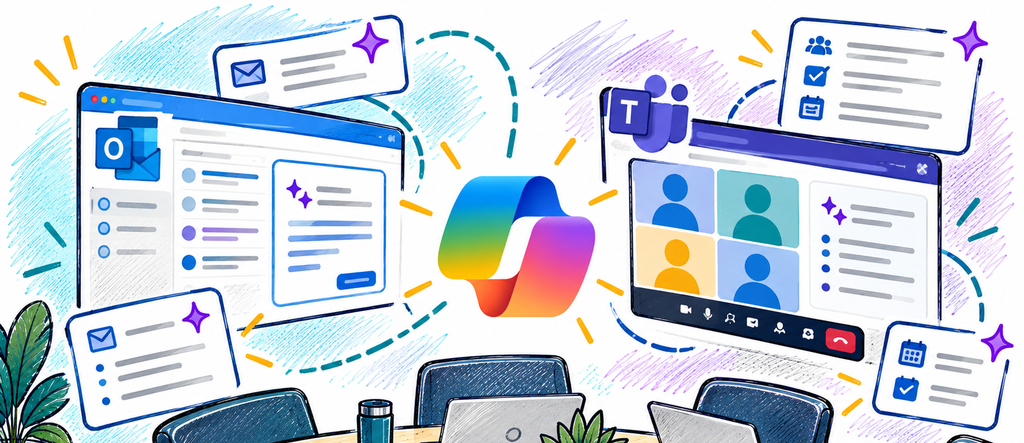
Enhance the way you communicate and collaborate with Microsoft Copilot in Outlook and Teams. Learn practical ways to save time, summarize conversations, draft messages, capture action items, and stay informed with meeting recaps.
AI at UNCG – Get Up and Running
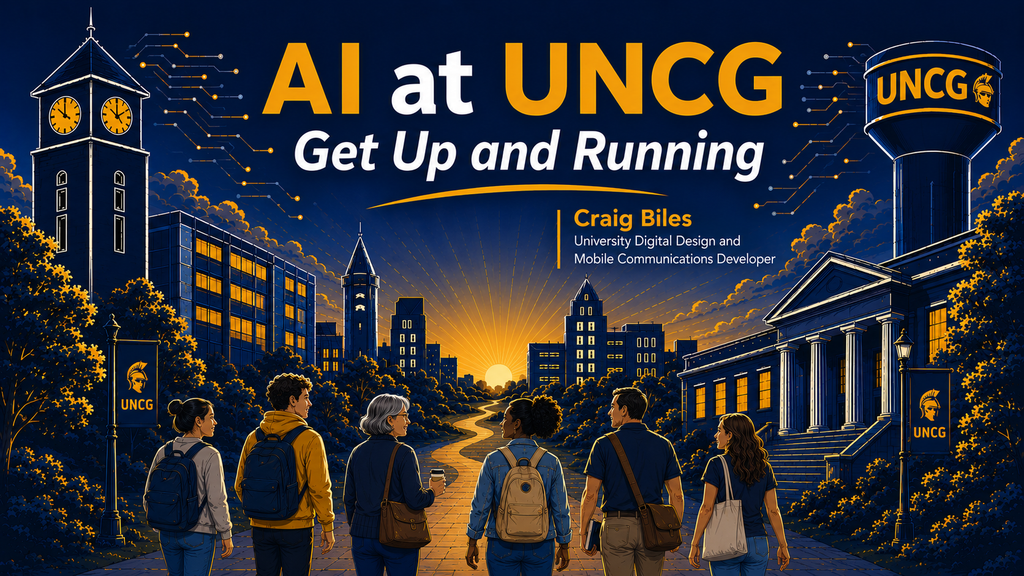
This workshop provides an introduction to artificial intelligence at UNCG and helps participants understand the tools, opportunities, and responsibilities that come with using AI in their work.
Using Copilot in PowerPoint
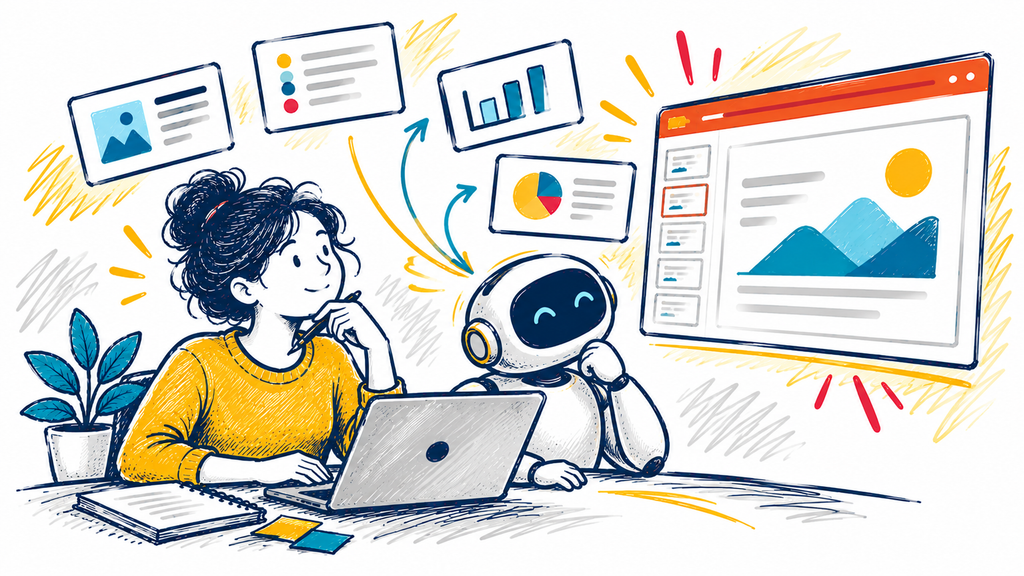
Create presentations faster and with less effort using Microsoft Copilot in PowerPoint. In this interactive workshop, you’ll learn how to turn ideas, documents, and prompts into engaging presentations, generate slide content, refine layouts, and enhance your storytelling.
7 Tips to Get Your Microsoft Teams Under Control

In this workshop, we look at 7 tips to make your day much quieter, so you are getting the notifications you need without all the extra noise.
October Workshops
| Date | Time | Workshop |
|---|---|---|
| 10/5 | 12 PM | New! Spartan AI: Connected and Secure |
| 10/6 | 12 PM | Copilot: AI for Collaboration (Outlook & Teams) |
| 10/7 | 10 AM | AI: Prompting for Better Results |
| 10/8 | 10 AM | AI at UNCG – Get Up and Running |
| 10/12 | 1 PM | Getting Started with AI Tools |
| 10/12 | 2 PM | Intro to YuJa Panorama Preview Session #2 |
| 10/13 | 10 AM | Advanced Qualtrics Survey Workshop |
| 10/13 | 2 PM | AI at UNCG – Get Up and Running |
| 10/14 | 10 AM | New! Spartan AI: Connected and Secure |
| 10/14 | 3:30 PM | Canvas Studio: But First, The Basics |
| 10/15 | 10 AM | Using Microsoft Copilot in PowerPoint |
| 10/19 | 2 PM | 7 Tips to Get Teams Under Control |
| 10/21 | 10 AM | Copilot: AI for Collaboration (Outlook & Teams) |
| 10/21 | 1:30 PM | Student Self-Assessment: Strategies & Canvas Tools |
| 10/22 | 11 AM | Copilot: Advanced Prompting Techniques |
| 10/27 | 10 AM | AI: Data Privacy Basics |
| 10/28 | 11 AM | AI in Everyday Workflows |
| 10/29 | 10 AM | Using Microsoft Copilot in PowerPoint |
| 10/30 | 11 AM | Proactive Practices: Using Canvas & CARE to Support Students Experiencing Distress |
| 11/2 | 1 PM | New! Spartan AI: Connected and Secure |
What’s New On LINKEDIN LEARNING?
When to Use AI (and When Not To): Practical Judgment at Work
As AI moves from experimentation into everyday work, the hard part is no longer how to prompt a tool. It’s knowing when to use AI at all, when to question it, and when to rely on your own expertise instead. In this course, instructor Pinar Demirdag teaches you how to make those calls with confidence.
Cybersecurity at Work
Cybersecurity doesn’t fall solely within your IT department’s purview. If you own a smartphone, work on a computer, or use the internet, then you’re exposed to a variety of complex security risks on a constant daily basis. In this course, instructor Caroline Wong details what these threats are and what you can do about them—both to protect yourself and your organization.
AI Fluency for Educators by Anthropic
Learn how to apply the 4D Framework to your own teaching practice, using AI as a thinking partner to enhance course design, create coherent learning materials, and develop authentic assessments while modeling responsible AI collaboration for your students.
Have questions or suggestions? Email: itscomm@uncg.edu